AI Website Chatbot in Oakland, CA: Never Miss Another Lead
Expand Your Google Maps Coverage. Get Found in More Local Searches.

What's Covered on This Page
- Missed Calls Are Costing Oakland Businesses Real Leads
- A Chatbot Works Best as Part of a Connected Lead System
- When Your Business Doesn't Need a Chatbot Yet
- How Setup Works: Audit, Configure, Launch
- Tracking What Happens After a Chat Turns Into a Lead
- How fast can an AI website chatbot start working for my business?
- What happens during the chatbot setup process?
- Can a chatbot help after-hours calls near Rockridge and Fruitvale?
- How do I know if my business is ready for a chatbot?
- Does the chatbot work with my Google Business Profile and reviews?
- Will the chatbot ever give customers wrong information?
Missed Calls Are Costing Oakland Businesses Real Leads
Quick Summary: Oakland businesses lose leads when calls go unanswered or website visitors leave without a response. An AI Website Chatbot catches those moments and keeps the conversation going, even after hours.
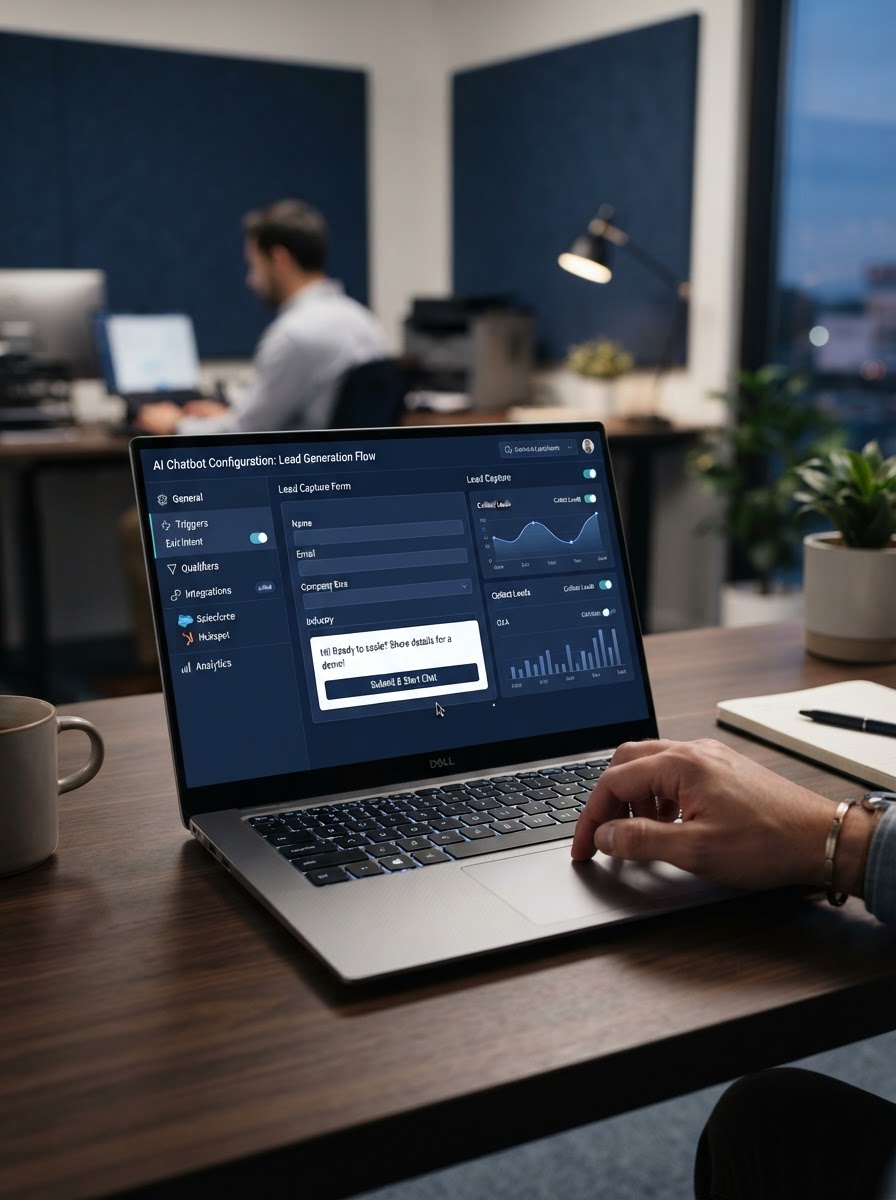
Your phone rings during a job site walk-through. You can't pick up. The caller hangs up and calls the next business on the list. That happens more than most owners want to admit.
We audit many Oakland websites and Google Business Profiles for contractors and home-service companies. The same gap shows up: the business shows up fine on Google Maps, but the website itself goes quiet the second someone lands on it. A visitor scrolls, looks for a way to ask a quick question, finds nothing, and leaves. No form fill. No call. Just gone.
Around Rockridge and Fruitvale, much of the housing stock is older, think early 1900s bungalows and Victorians. Service calls for plumbing, electrical, and roofing often land after 6 p.m. when homeowners get home and finally notice the leak or the flicker. If your site can't respond at that hour, the lead goes cold before your team even sees it.
This is the argument behind this page: showing up on Google Maps gets people to your site. An AI Website Chatbot keeps them from leaving without saying a word. Visibility without a response system is half a strategy.
A Chatbot Works Best as Part of a Connected Lead System
Here's something we tell every owner during the audit. A chatbot by itself won't grow your business. It's one piece of a bigger system. It only works as hard as the traffic feeding it.
Think about the path a customer takes. They search on their phone, find you on Google Maps, tap your listing. If your Google Business Profile is thin or your reviews are stale, they bounce before the chatbot ever gets a chance to talk to them. The chatbot depends on everything upstream, and that's the point most software companies skip over.
We build ours to plug into the same local growth system we use for Google Business Profile optimization and citation building. That way the visibility work and the conversion work pull in the same direction.
- Google Maps visibility brings the click, the chatbot answers it in seconds
- Missed-Call Text Back catches the calls that slip through after hours
- Review Generation keeps fresh reviews coming so the profile stays trustworthy
- Customer List Reactivation puts the chatbot in front of past leads who never booked
A business that adds a chatbot without fixing weak Maps visibility just gets a quieter chatbot. That's the gap our four-step process is built to close: audit first, then fix the visibility, then layer in tools like the chatbot to catch what visibility brings in.
The real question isn't 'do I need a chatbot.' It's whether your current setup is even sending enough people to it.
When Your Business Doesn't Need a Chatbot Yet
Not every business in Oakland is ready for an AI website chatbot, and a good local provider should tell you that upfront. If your website sees fewer than a few hundred visitors a month, a chatbot has too little traffic to learn from or convert. It will sit quietly on a page nobody views, and you will have paid for a tool with no audience to serve. In these cases, the smarter first investment is usually local SEO or Google Business Profile optimization to build traffic before adding conversion tools on top of it.
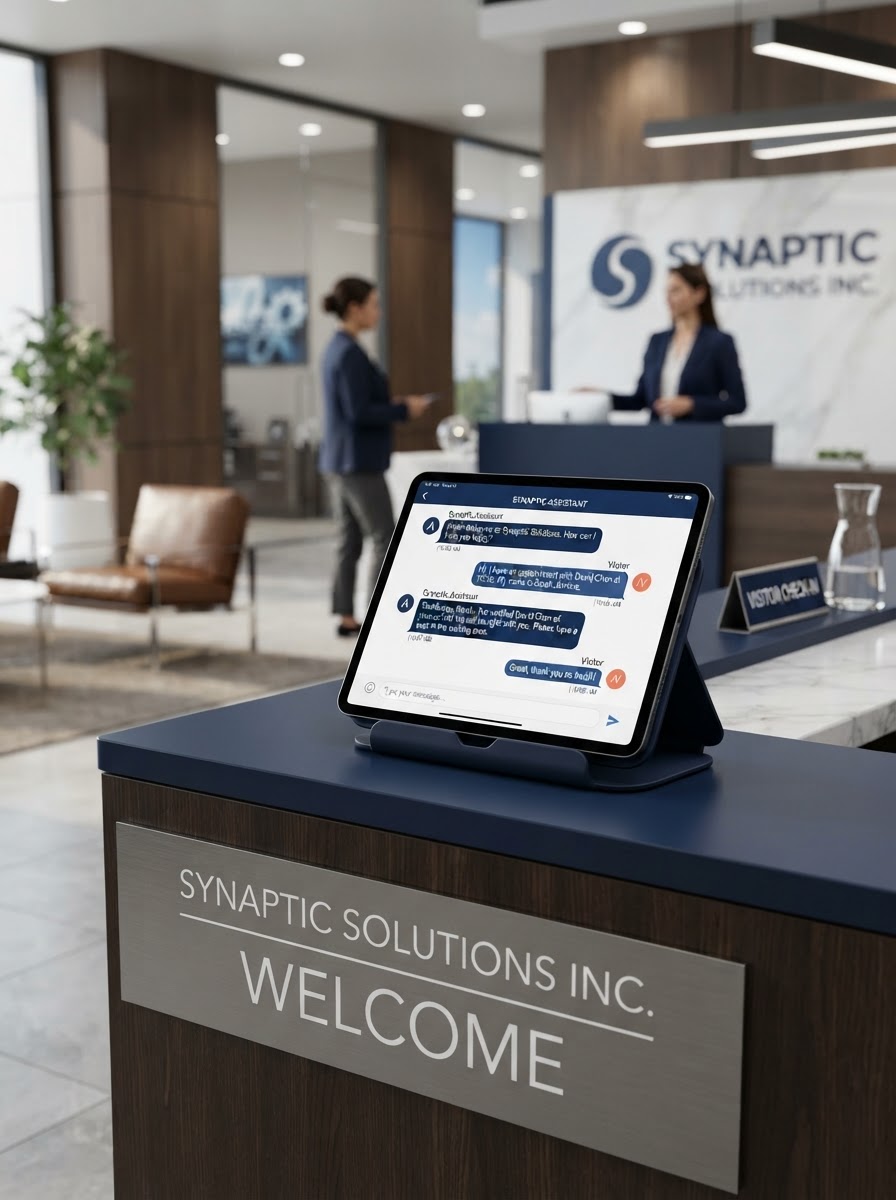
Inconsistent inquiry volume is another disqualifier. A seasonal business, like a landscaping company that gets busy only in spring and fall, may not see enough year-round chat activity to justify the ongoing cost. The math only works when there is a steady stream of visitors asking similar questions for the chatbot to handle predictably.
If you or your staff already answer every phone call live, respond to emails within minutes, and rarely miss a lead, a chatbot may add redundancy rather than value. Many small shops in Oakland run lean enough that the owner is the phone system, the scheduler, and the closer all in one. In that setup, a chatbot might only pay for itself once call volume grows beyond what one person can manage.
- Website traffic under a few hundred visits per month
- Inquiries that spike seasonally instead of flowing steadily
- A team that already answers calls and messages in real time
- A simple service menu with little need for repeated explanation
One clarifying note: an AI website chatbot is a software and marketing tool, not a licensed trade like electrical or plumbing work, so there is no permit or certification requirement standing between you and adding one later. That means there is no downside to waiting until your traffic and lead volume justify it.
Have questions? We're happy to help.
Get My Free Maps Scan. Thompson-SEO-Experts is ready to help.
How Setup Works: Audit, Configure, Launch
Setting up an AI website chatbot for a business in Oakland is not a plug-and-play widget install. A proper rollout follows four deliberate steps, each building on the last, so the chatbot reflects the business rather than sounding like generic software. Skipping any step is why so many chatbots end up ignored by visitors or, worse, giving wrong information about hours, pricing, or services.
- Audit: Review the existing website content, Google Business Profile listing, and recent customer reviews to understand what visitors already ask and how the business currently answers them.
- Identify gaps: Compare what the site says against what staff tell callers — mismatched service areas, outdated pricing, missing FAQs, or slow contact forms are flagged here.
- Configure: Build the chatbot's knowledge base directly from real services offered, actual FAQs customers ask, and current promotions, avoiding generic templated answers.
- Launch with lead routing: Connect the chatbot to a live notification system so new inquiries text or email the right staff member immediately, instead of sitting in an inbox.
The audit phase typically takes the longest because it involves cross-checking the website against the Google Business Profile and scanning reviews for recurring questions — things like whether a business serves a specific neighborhood in Oakland, or what its typical response time looks like. This groundwork prevents the chatbot from confidently repeating outdated information.
Once gaps are identified, configuration focuses on training the chatbot with the business's actual voice and offerings rather than a generic script. This means loading real service descriptions, honest pricing ranges, and the specific FAQs customers ask most, so answers feel accurate and locally relevant instead of templated.
Launch is not the finish line — it is the point where lead routing kicks in, sending qualified inquiries straight to a phone or inbox so no potential customer waits overnight for a reply.
Because California businesses collect visitor names, phone numbers, and emails through these chatbot conversations, setup must account for the California Consumer Privacy Act, specifically Cal. Civ. Code Section 1798.100. This law governs how personal information is collected, disclosed, and stored. The chatbot configuration should include clear notice of data collection and a straightforward way for visitors to understand how their information will be used before they submit it.
Tracking What Happens After a Chat Turns Into a Lead
Installing a chatbot on your website is only step one. The real value shows up in what happens after a visitor asks a question, requests a quote, or books a service call. Before going live, every business in Oakland should verify three operational pieces: where leads get routed, who gets notified and how fast, and whether there's a reporting system that shows chats, calls, and inquiries in one place.

- Lead routing: Confirm each chat transcript and contact form gets sent to the right person or team, not just dropped into a generic inbox nobody checks daily.
- Notification setup: Test that texts, emails, or app alerts fire the moment a lead comes in, including after-hours and weekend chats.
- Reporting dashboard: Ask for a single view that tracks chat volume, phone calls generated, and inquiry outcomes so you can see patterns over weeks and months.
- Response time logs: Verify the system records how long it takes staff to reply, since this number often predicts conversion better than lead volume alone.
This tracking layer matters because chatbot software, on its own, doesn't close jobs or book appointments. A visitor chatting at 9 p.m. wants a response before they move on to the next search result. If your notification setup routes that lead to an inbox checked once a day, the chatbot did its job perfectly and the business still lost the customer.
Conversion tracking needs to connect to what happens next: SMS follow-up and review generation. When a chat converts to a lead, an automated text confirming the appointment or answering a follow-up question keeps momentum going while the customer is still thinking about your business. After the service is complete, a review request tied to that same lead record turns a single interaction into public proof that builds trust for the next visitor who lands on your site.
Businesses in Oakland that treat the chatbot as one piece of a connected system, rather than a standalone tool, see the clearest results. Reporting should show not just how many chats happened, but how many became calls, how many calls became booked jobs, and how quickly staff responded at each stage. That full picture is what separates a chatbot that generates activity from one that generates revenue.
Frequently Asked Questions
Common questions about AI Website Chatbot in Oakland, CA
How fast can an AI website chatbot start working for my business?
Setup takes a few steps, not weeks. We first audit your site and Google Business Profile, then configure the chatbot using your real services and FAQs before launch. Most businesses in Oakland see the chatbot live and answering visitors within a short window after the audit. Skipping steps causes chatbots to give wrong hours or pricing, so we build it right the first time instead of rushing a generic script onto your homepage.
What happens during the chatbot setup process?
You get an audit first, then a working chatbot built from your actual business, not a canned script. We review your website, Google Business Profile, and recent reviews to see what customers already ask. Then we flag gaps, like outdated pricing or missing FAQs, before building the chatbot's knowledge base from your real services. This keeps the bot from guessing at answers or quoting wrong information to a visitor at 9 p.m.
Can a chatbot help after-hours calls near Rockridge and Fruitvale?
Yes, that's exactly the gap it closes. Much of the housing near Rockridge and Fruitvale is older, early 1900s bungalows and Victorians, and plumbing, electrical, and roofing calls often come in after 6 p.m. when homeowners get home and spot a leak or flicker. If your website goes quiet at that hour, the lead cools before your team ever sees it. A chatbot keeps the conversation going even when your phone can't.
How do I know if my business is ready for a chatbot?
You're ready once your website gets steady, year-round traffic and a range of repeat questions. If your site sees fewer than a few hundred visitors a month, or your inquiries spike only in one season, a chatbot has too little activity to learn from. Businesses in Oakland that already answer every call live in real time may not need one yet. A free assessment can tell you where your traffic stands.
Does the chatbot work with my Google Business Profile and reviews?
Yes, it's built to plug into the same system, not run alone. Google Maps visibility brings the click, and the chatbot answers it in seconds once someone lands on your site. Missed-call text back and review generation keep leads and trust flowing on the same track. A chatbot added to a thin or outdated Google Business Profile just becomes a quieter tool, so we fix visibility first before layering it in.
Will the chatbot ever give customers wrong information?
Not if it's set up correctly from the start. Wrong hours, pricing, or service-area answers usually happen when a chatbot gets installed as a generic widget instead of being built from your real content. We compare what your website says against what your staff tell callers, then flag mismatches before configuring the chatbot. That step is what keeps it from confusing a visitor in Oakland who's asking a simple question.
Ready to Get Started?
Get My Free Maps Scan. Call (408) 439-9589 today.
Related Services
AI Voice Receptionist
An AI voice receptionist answers every call, qualifies the lead, books the appointment, and captures the information — e...
Learn moreMissed-Call Text Back
When a customer calls and you can't answer, they call the next business on the list. Missed-call text-back sends an inst...
Learn moreLocal Landing Page Optimization
A well-optimized local landing page can be the difference between a visitor calling you or bouncing. We create and optim...
Learn more